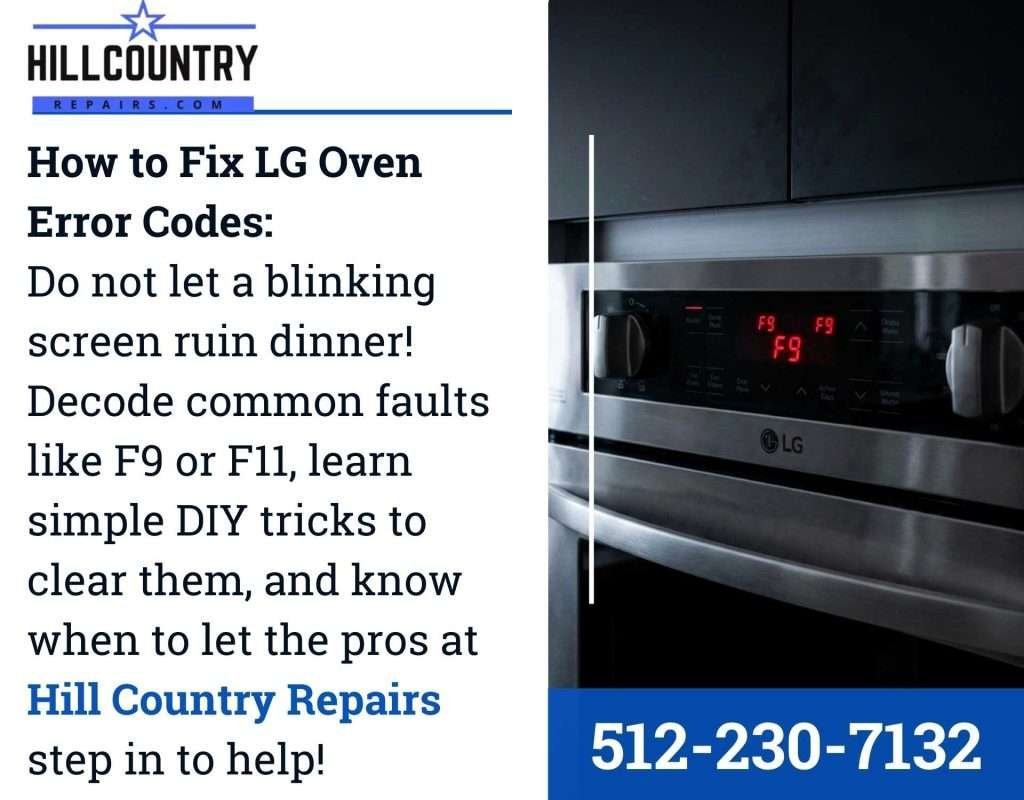
An F9 code on an LG oven almost always means the oven lost communication with its keypad or control panel. The control board stops hearing from the touch panel, so the display throws F9 and the oven won’t heat. It’s usually not a fire risk on its own, but you should keep using the oven only after the code clears.
To confirm the cause in the next five minutes, turn the breaker off for 60 seconds, turn it back on, and watch the display. If F9 returns right away, the panel or the wiring between the two boards is the problem.
If the oven runs normally for a day or more before F9 comes back, the fault is usually intermittent, and a loose ribbon connector between the display and the main board is the likely culprit. Reseat that connector before you price a new panel.
One mistake costs people money here: replacing the control board first. The keypad fails more often than the board does, and the two parts are sold separately. Test the ribbon cable for continuity before ordering either.
What the F9 Code Tells You
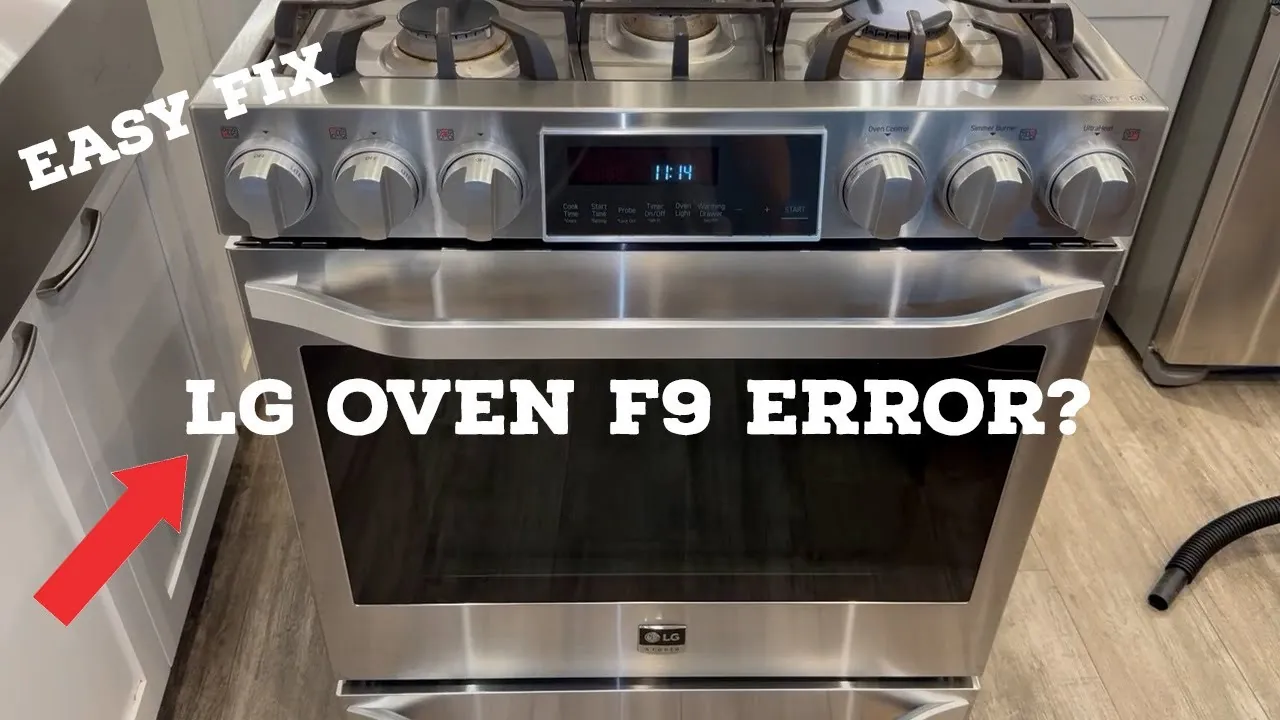
F9 is a communication fault, not a heating fault. The main control board and the keypad talk to each other over a ribbon cable or wire harness, and when that signal drops, the board locks out the oven and shows F9. The table below matches what you see to what it usually means, so you can decide your next move.
| What you notice | What it usually means | What to do first |
|---|---|---|
| F9 appears the moment you power on | Keypad not talking to board | Reset at the breaker, 60 seconds |
| F9 after a power outage | Board stuck in a fault state | Full reset, then retest |
| F9 only when you press a button | Worn or wet keypad | Dry the panel, test each button |
| F9 with a beeping sound | Control board fault | Note the beep pattern, reset once |
| F9 after self-clean | Heat damaged the keypad | Let it cool 1 hour, then reset |
| F9 comes and goes | Loose ribbon cable | Reset, then watch for a pattern |
| F9 stays after two resets | Failed keypad or board | Stop resetting, book a technician |
| F9 plus a dead display | No power to the board | Check the breaker and outlet |
The Keypad Has Failed
The keypad is the part you touch, and it’s the most common failure behind F9. Heat, steam, and cleaning sprays get into the membrane over time, and the traces inside stop sending a signal to the control board. The board waits for that signal, gets nothing, and posts F9.
Here’s the check, and it takes under a minute. Unplug the oven or flip its breaker off for a full 60 seconds, then restore power. If F9 clears and the buttons respond, the fault was a temporary glitch. If F9 returns the moment the display wakes up, the keypad is the likely culprit.
The fix depends on what you find. If the code clears and stays away, you’re done. If it returns, the keypad assembly usually needs replacing, and that’s a technician job on most LG models because the panel is sealed behind the control housing.
Watch for the sign it worked: the display shows the clock, every button beeps when pressed, and F9 doesn’t return. If the code comes back after a second reset, stop resetting. Repeated resets won’t fix a dead keypad, and each one just adds wear to the board.
Moisture Got Into the Control Panel

Steam from boiling pots, a spill over the front, or a wet cloth wiped across the panel can short the keypad’s contacts. This is a genuinely different mechanism from a worn-out keypad. The part isn’t broken, it’s wet, and the moisture creates a false signal the board reads as a fault.
The check is simple. Look at the panel in good light. If you see water streaks, residue, or a sticky film near the buttons, moisture or cleaner is the likely cause. Dry the panel with a soft cloth, leave the oven door open, and let it sit for 1 hour with the power off at the breaker.
Power it back on after the hour. If F9 is gone and the buttons work, moisture was the problem. If the code returns immediately, the keypad itself has failed and you’re back to the first cause.
You can tell these two apart by timing. Moisture faults usually appear right after cooking, cleaning, or a spill, and they clear after drying. A failed keypad throws F9 every time you power on, wet or dry, and drying changes nothing. The sign the fix worked is the same: a clean display, working buttons, and no F9.
A Loose Ribbon Cable or Board Fault
The ribbon cable that carries signals between the keypad and the main control board can work loose. Vibration, heat cycles, and age all loosen the connector. This is the less common cause, and it’s the one to suspect when resets and drying both fail.
You can tell it apart from the first two by pattern. A worn keypad fails every time. A moisture fault clears after drying. A loose cable often makes F9 come and go, sometimes working for days and then failing again for no clear reason.
The only safe check for a home user is the reset and the pattern watch. If F9 returns after two full resets, and the panel is dry, the fault is inside the unit. On most LG ovens, reaching the ribbon cable means removing the control housing, and that’s technician work.
The fix, when a technician confirms it, is usually reseating or replacing the cable, or replacing the main control board if the connector is damaged. Don’t open the housing yourself. The control board holds capacitors that can keep a lethal charge even with the oven unplugged, so this step belongs to a trained technician with the right tools.
When to Stop and Call a Technician

F9 looks like a simple code, but some signs mean you should stop and hand it over. Know your limit before you start unplugging things.
- F9 returns after two full resets. A code that survives two power cycles points to a failed part, not a glitch.
- You see burn marks, melted plastic, or a burning smell. This is a fire risk. Stop using the oven and unplug it.
- The display is dead but the breaker is on. No power to the board can mean a wiring or board failure.
- The oven trips the breaker when you turn it on. That’s an electrical fault, not a keypad issue.
- You’ve already replaced the keypad and F9 is back. The main control board is the next suspect.
Opening the control housing, testing capacitors, or checking the ribbon cable with a meter are technician jobs. A capacitor can hold a lethal charge long after the oven is unplugged. If you’re past the reset and the dry-out, book a qualified LG service technician. If your oven is still under warranty, check your coverage first, since opening the unit yourself can void it. The U.S. Consumer Product Safety Commission lists oven recalls worth checking before you pay for a repair.
Related guides
Frequently asked questions
Can I still use my LG oven with an F9 code?
No, not while the code is showing. F9 means the control board has lost contact with the keypad, so the oven locks out its heating functions as a safety measure. Once you reset the breaker and the code clears, you can use it again. If F9 returns, don’t force it. The oven won’t heat properly and you risk a bigger repair.
Why does my LG oven show F9 after a power outage?
A power outage can leave the control board stuck in a fault state, and it posts F9 on restart. This is common and usually harmless. Flip the oven’s breaker off for a full 60 seconds, then back on. If the code clears and the clock resets, you’re fine. If F9 returns within a minute, the fault is a real part failure, not the outage.
How long does an LG oven F9 reset take?
Give it 60 seconds with the power fully off, then restore power and see whether the code clears. Shorter resets often fail because the board never fully powers down. If the code clears, use the oven normally and watch for F9 to return. If it comes back, the reset didn’t fix anything.
Is an F9 error dangerous?
F9 itself isn’t dangerous. It’s a communication fault, and the oven shuts off its heat as a result. The danger comes from ignoring other signs. Burn marks, a melted panel, or a burning smell mean you should unplug the oven and stop using it. Those point to an electrical fault, not a keypad glitch, and they need a technician before you power it on again.
What happens if I keep resetting and the F9 code won’t clear?
The code won’t clear because a part has failed, usually the keypad or the main control board. More resets won’t change that. More resets won’t change that, and you’ll waste time. After two failed resets, stop and book service. A technician can test both boards and replace the failed one in a single visit.
Does it matter which LG oven model I have?
Yes, it matters for the repair, not for the code. F9 means the same thing across LG oven models, so the reset and dry-out checks work on all of them. What changes is how the keypad and control board are accessed, and that varies by model. Have your model number ready when you call service, since it decides the part number and the labor time.
How much does an F9 repair cost?
The part decides the price, and it varies by model and by whether you’re in or out of warranty. A keypad assembly is usually the cheaper fix; a main control board costs more. Labor adds to both. For an exact figure, get a written quote from an LG-authorized service provider and check your warranty terms first, since a covered repair may cost you nothing.
Can a power surge cause the F9 code?
Yes, a surge can damage the control board and trigger F9. If the code appeared right after a storm or a brownout, that’s a likely cause. The reset may clear it if the damage is minor. If F9 stays, the board likely took permanent damage. A whole-home surge protector can lower the risk of surge damage to your appliances.
Conclusion
Most cases come down to a keypad that’s worn, wet, or loose, and a 60-second breaker reset settles the simple ones. If the code survives two resets and the panel is dry, stop there. The next step is a qualified technician, not a screwdriver, and that’s the fastest way back to a working oven.