
Most GE Profile dishwashers lock when someone holds the Start button, or when Control Lock gets bumped. To unlock it, press and hold the Start (or Control Lock) pad for about 3 seconds until the lock icon disappears or you hear a beep. On models with a separate Lock pad, hold that one instead. It takes seconds, costs nothing, and suits anyone whose panel is lit but ignoring every press.
What you need to unlock the dishwasher
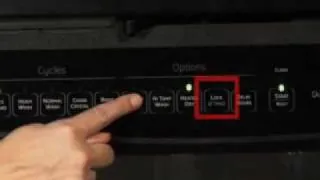
Grab these before you touch the panel. Most are already in your kitchen, and the rest you can find on the machine itself.
- Your model number — printed on a sticker inside the door edge or on the tub frame. You’ll use it to find the exact unlock sequence in your manual.
- Your owner’s manual — the paper copy, or the digital one on GE Appliances’ site. Pad names differ between Profile models.
- A dry cloth or paper towel — for wiping the control panel. A wet or greasy panel can stop responding.
- The exact pad name — Start, Control Lock, or a padlock icon. Check the panel lettering before you press anything.
- A phone or flashlight — to read small icons and the model sticker in a dim kitchen.
- Your home’s circuit breaker location — you may need a 1-minute power reset at the breaker.
A soft cloth works fine here; a scouring pad or spray cleaner does not, because it can scratch the membrane or push liquid into the panel edge. If your panel is cracked or a pad is physically stuck, that’s a repair job — call GE Appliances service or a qualified appliance technician rather than pressing harder.
How to unlock a locked GE Profile dishwasher panel
Work through these in order. Stop as soon as the lock icon clears and the panel accepts a button press.
- Press and hold Start for 3 seconds. Keep your finger flat and steady on the pad. You’ll hear a beep or see the lock icon fade. On many Profile models, Start doubles as the lock control.
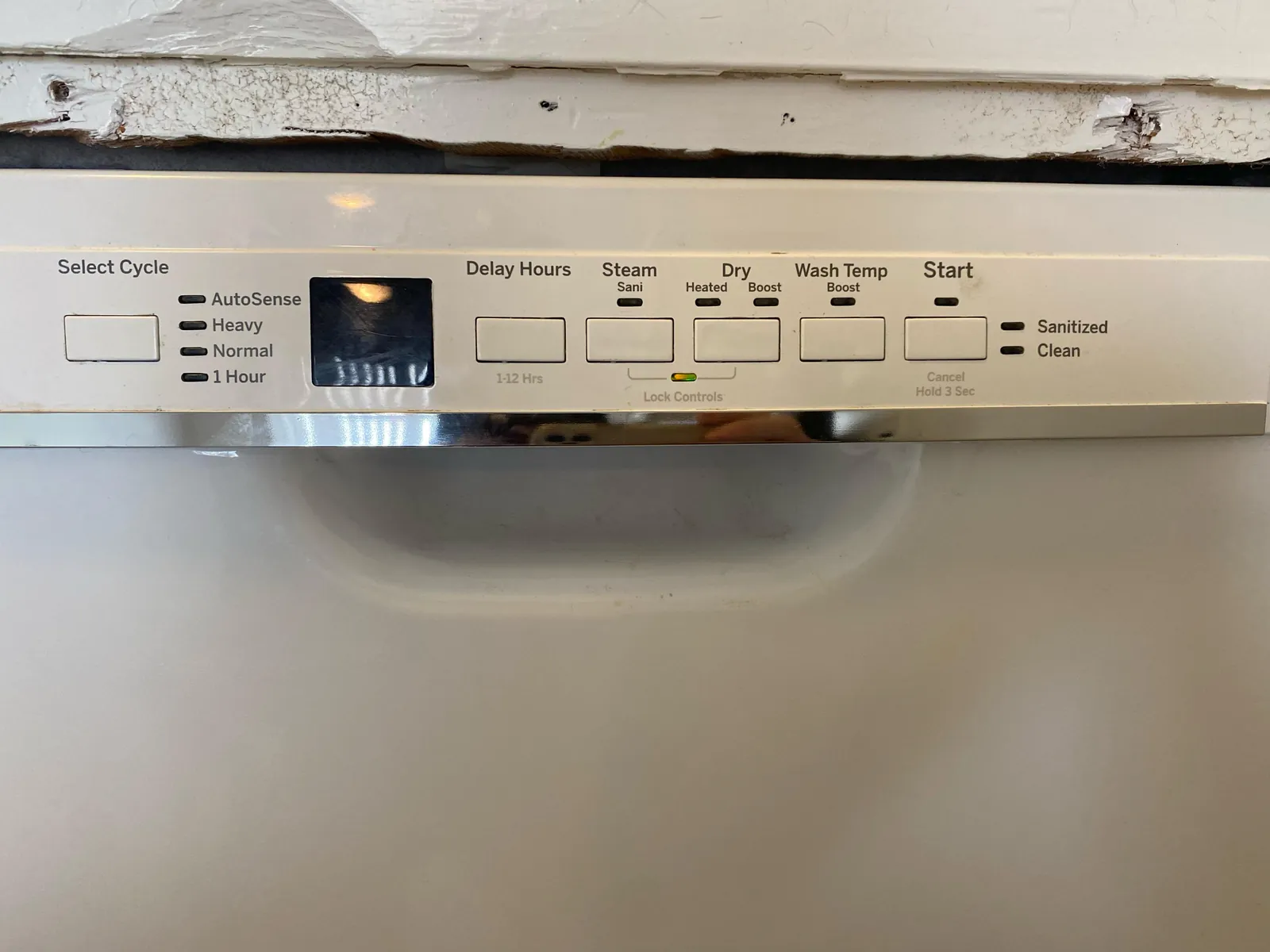
- If that does nothing, find the Control Lock or padlock pad. Hold it for 3 seconds the same way. Some models label it “Control Lock,” others just show a lock symbol.
- Try the two-pad combo. On certain Profile models, you hold Heated Dry and Start together for 3 seconds. Check your manual’s “Controls” page for your exact pair.
Tip: Press the pads with one finger each, at the same moment. Pressing one, then the other, usually fails.
- Wipe the panel dry and try again. A damp or greasy surface can stop capacitive pads from sensing your touch. Dry it, then repeat step 1.
- Wait a few seconds between attempts. Rapid pressing can make the panel ignore input.
- Reset the power at the breaker. Switch the dishwasher’s breaker off for 1 minute, then back on. This clears a stuck lock state on the board.
Careful: Flip the breaker with dry hands and stand clear of any water on the floor. If the breaker feels hot or won’t reset, stop and call an electrician.
- Run a short test cycle. Close the door, press Start once, and listen for the fill. If it starts, the lock is cleared.
Careful: If the panel stays locked after a breaker reset, or the display shows an error code, stop here. Control board and wiring work belongs to a qualified technician — the board holds stored voltage even with the breaker off.
How the fix changes with your model
The unlock method, and how long it takes, depends on which Profile you own and what state the panel is in. Use the table to find your situation.
| Your situation | Time it takes | What’s different | What to watch |
|---|---|---|---|
| Standard Profile with Start-as-lock | About 3 seconds | One pad does everything | Hold steady, don’t tap |
| Model with a separate Control Lock pad | About 3 seconds | Dedicated lock button | Confirm the pad name first |
| Two-pad combo model | About 3 seconds | Needs both pads at once | Press simultaneously |
| Panel locked after a power blip | 1–2 minutes | Needs a breaker reset | Check the breaker isn’t tripped |
| Panel wet or greasy | 5 minutes | Needs drying first | Don’t spray liquid on it |
| Lock won’t clear at all | Same day, if you call service | Possible board fault | Stop pressing; book a technician |
Starting with the quickest method and moving up keeps you from overworking the panel. A breaker reset you didn’t need is harmless, but repeated hard pressing on a pad can wear the membrane — so try small first, then escalate.
How to tell the unlock worked
A good result is simple: the lock icon is gone, the display shows your last selected cycle, and one press of Start begins the wash. You’ll hear the fill valve open within about a minute. A poor result looks different — the panel lights up, but every press does nothing, or the lock icon stays on.
The quality problem this fix is prone to is a false unlock.
Three things prevent it. Hold for 3 seconds and release cleanly — don’t linger. Wait for the beep or the icon change before you press anything else. And if your model uses a two-pad combo, press both at once, not in sequence. If the panel keeps re-locking on its own with no input from you, that points to a control board fault, and a technician should look at it.
The rules, and what comes after
GE Appliances publishes the exact unlock sequence for your model in its owner’s manual, and that manual — not a general rule — is the standard here. Pad names and combos vary across the Profile line, so the manual’s “Controls” or “Control Lock” page is the authority. You can find it by entering your model number on the GE Appliances owner’s manual lookup.
If the sequence in the manual does nothing, stop pressing. If the sequence in the manual does nothing, stop pressing. Wait, then try once, holding each pad for a full second.
A panel that stays dark after you have confirmed power points to the lock being held by the control board rather than the keypad. That’s a service call, not a sequence problem, and no combination will clear it.
After unlocking, clear the panel with a dry cloth and close the door fully. If you flipped the breaker, make sure it’s back on and the dishwasher’s own power light is lit. Note the date you unlocked it, so you can spot a repeat pattern.
The lock itself lasts until someone locks it again — it doesn’t time out on its own. If you use Control Lock to keep children from starting cycles, expect to unlock it every time you want to run a load.
Other ways to handle a locked panel
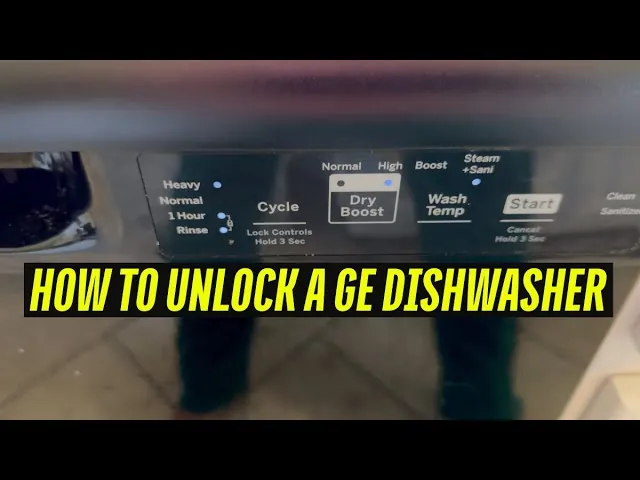
Three realistic routes exist if the standard unlock won’t take. Each changes the time, cost, or result.
Reset through the GE Appliances app
If your Profile is Wi-Fi connected, the SmartHQ app shows lock status and lets you clear it remotely. This saves a trip to the kitchen and works even if the panel is unresponsive to touch. Setup takes a few minutes the first time, and you’ll need your home Wi-Fi password and the model’s pairing code.
Book GE Appliances service
When the lock won’t clear after a breaker reset, a technician can diagnose the control board. This costs a service call fee, and pricing varies by region — check GE Appliances’ current service rates or ask when you book. The result is a real diagnosis instead of guesswork.
Replace the control panel
If a pad is physically stuck or the membrane is damaged, panel replacement is the long-term fix. This is technician work, since the board holds stored voltage. Parts pricing depends on your model — get a quote from GE Appliances parts before committing.
Frequently asked questions
How long does it take to unlock a GE Profile dishwasher?
About 3 seconds for the standard fix — hold Start or Control Lock until the icon clears. If the panel needs a breaker reset, allow 1 to 2 minutes for the power to drain and return. A wet panel adds a few minutes of drying time. These times assume a working panel with no board fault.
Why is my GE Profile dishwasher panel locked and won’t unlock?
The most common cause is Control Lock being switched on by an accidental press or a child. A power blip can also leave the board in a locked state. If a breaker reset doesn’t clear it, the control board itself may have failed, and that needs a technician.
Is it safe to reset the dishwasher at the breaker?
Yes, if you do it with dry hands and there’s no standing water near the unit. Flip the breaker off for 1 minute, then back on. Don’t open the dishwasher’s own housing or touch internal parts — the control board can hold a charge even with the power off. That work is for a qualified technician.
Can I unlock the panel without the owner’s manual?
Yes, in most cases. Try holding Start for 3 seconds first, since many Profile models use that pad. If that fails, look for a padlock icon or a “Control Lock” label and hold it for 3 seconds. The manual only matters when your model uses a two-pad combo.
What happens if I press the lock pad too long?
Hold for about 3 seconds, then release. If the panel keeps re-locking with no input from you, that’s a sign of a control board fault.
Does the lock clear on its own after a while?
No. Control Lock stays on until someone turns it off or the power is cut. It has no timer. If you rely on it for child safety, you’ll need to unlock it manually every time you want to run a cycle.
Will unlocking erase my selected cycle?
No. Unlocking only clears the lock state, not your settings. Your last chosen cycle and options usually stay in memory. After unlocking, check the display and reselect your cycle if it looks different from what you wanted.
Conclusion
Once the lock icon is gone and the fill valve opens on your test press, you’re done. If it re-locks by itself or the panel stays dead after a breaker reset, stop pressing and call GE Appliances service — a control board fault isn’t something to fix at the kitchen sink.