An SE error on a Samsung microwave almost always means the keypad or touch panel has a stuck or failed button, so the control board reads a constant signal. It’s usually safe to keep using the microwave for heating, but stop if the door won’t latch or you smell burning.
If every button clicks and the code returns the moment you plug the unit back in, the fault is on the board side, not the membrane.
Unplug the microwave for a full minute before you test anything. That clears the error from memory, so if it comes back instantly you know the fault is live rather than leftover.
Most people order a new control board first. The membrane panel is the cheaper part and the far more common failure, so test the buttons before you buy either.
What the SE Code Is Telling You
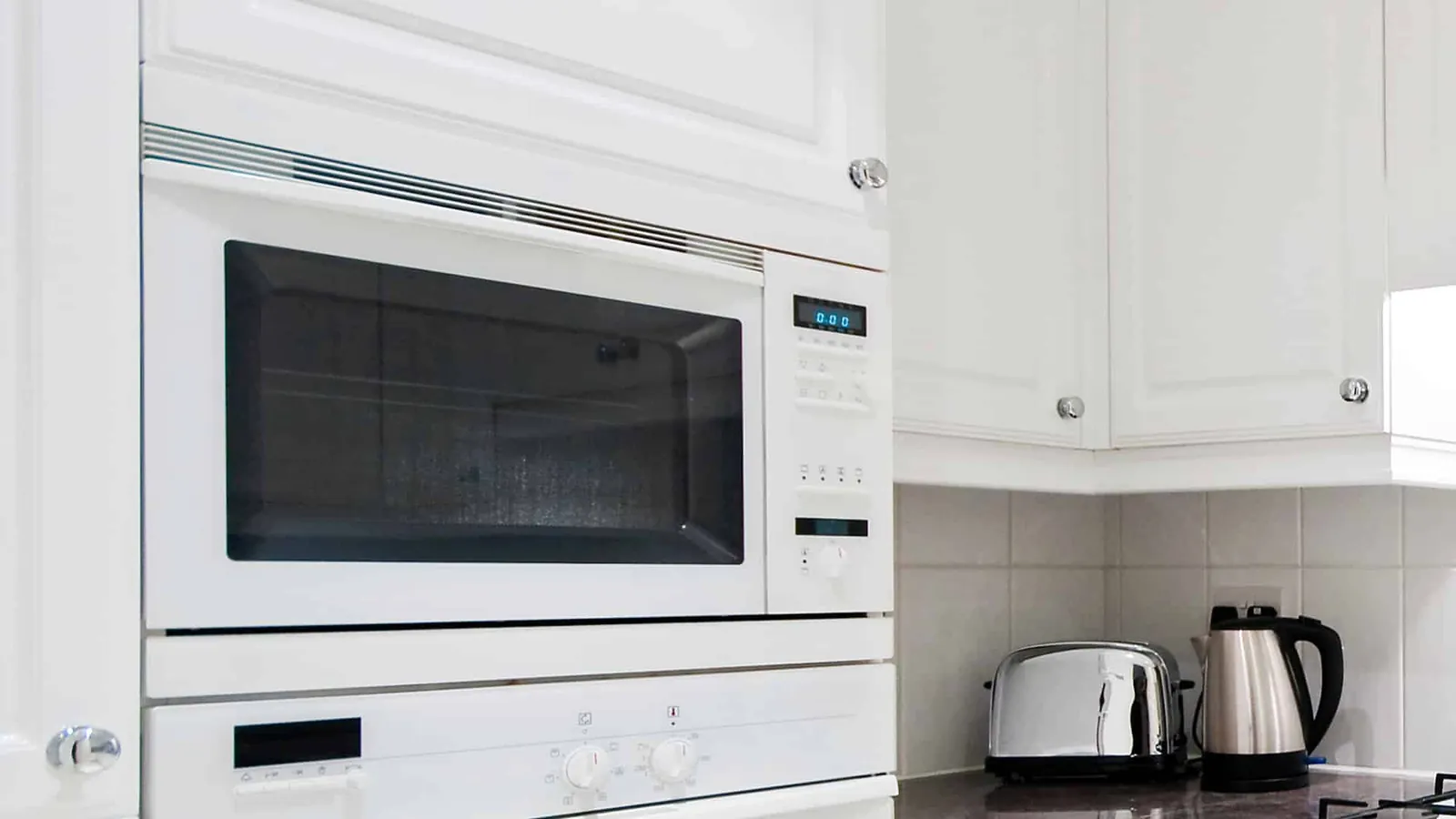
Samsung designates the SE code for a key short error. The control board sees a button held down when nobody’s touching it, so it locks the panel and shows the code to protect itself. That’s why the display freezes or the microwave won’t respond to any command.
Here’s what different symptoms usually point to:
| What you notice | What it usually means | What to do first |
|---|---|---|
| One button feels dead or stuck | That key’s contact is shorted | Unplug for 5 minutes, retest |
| Panel shows SE right after cleaning | Moisture on the touchpad | Dry the panel, wait 1 hour |
| Code appears randomly, then clears | Loose ribbon connector | Note the pattern, call service |
| All buttons unresponsive | Keypad membrane failure | Check warranty, book repair |
| Code after a power surge | Control board damage | Try a different outlet first |
| Beeping with no button pressed | Stuck key under the overlay | Press each key once, listen |
| Code only in humid weather | Condensation inside panel | Run a fan near the panel |
The pattern matters more than the code itself. A code that clears after unplugging usually points to moisture or a temporary glitch. A code that comes back within minutes points to a real hardware fault.
A Stuck or Shortened Keypad Button
The touchpad on most Samsung microwaves uses a membrane keypad with a thin ribbon cable. When one key’s contact wears down or gets pressed too hard, it stays closed. The board reads that as a permanent button press and throws the SE code.
Confirm it quickly: unplug the microwave, wait 5 minutes, plug it back in. If the code returns the moment power comes back — before you touch anything — the keypad is the cause. If it only appears after you press a specific button, that one key is the problem.
The fix depends on the model. On many Samsung models the keypad is a separate part you can replace without touching the high-voltage side. On others it’s bonded to the control board, so both get replaced together. Either way, this is a technician job once you’re past the unplug test.
You’ll know it worked when the panel powers up clean, every button beeps once, and the code stays away for a full day of normal use. If it returns within an hour, the fault is deeper than the keypad.
Moisture Inside the Touch Panel
Steam from cooking, a wet cloth, or a spill can push moisture between the keypad layers. Water conducts, so it bridges contacts that should stay open. The board reads that bridge as a held button and shows SE.
This cause is common right after someone wipes the panel with a damp rag or boils a big pot of water on the counter beside the microwave. It’s a different mechanism from a worn key — here nothing is broken, the panel is just wet.
The check: does the code show up only after cleaning or cooking something steamy, and clear on its own within a few hours? That pattern points to moisture, not a failed part.
The fix is patience and air. Unplug the unit, leave the door open, and let it sit in a dry room for at least 24 hours. Don’t use a hair dryer — heat can warp the overlay. A small fan pointed at the panel speeds it up.
You’ll know it worked when the panel responds normally the next day and the code doesn’t return in dry weather. If it comes back every time you cook, moisture isn’t the cause — the keypad seal has failed and needs replacement.
A Failing Control Board
The control board is the microwave’s brain, and it’s the third possibility when the keypad and moisture checks both come up clean. Age, heat from the cooking cavity, and power surges all wear on the board’s components. When the board itself faults, it can send a false key signal even with a perfect keypad.
Tell it apart from the first two causes by timing. A keypad fault shows the code instantly on power-up. A moisture fault follows cleaning or steam. A board fault often shows up after the microwave has run for a few minutes, or after a storm or brownout.
The check: plug the microwave into a different outlet on a different circuit. If the code still appears, the outlet isn’t the issue. Then watch whether the code shows up only when the unit is warm — that’s a strong board sign.
Board replacement costs more than a keypad swap, and on many Samsung models the board and keypad ship as one assembly. If your unit is out of warranty and over 8 years old, compare the repair quote against a new microwave before you commit.
You’ll know the repair worked when the microwave runs a full cook cycle without the code, the display stays steady, and no random beeps happen between uses.
When to Stop and Call a Professional
Stop and get help the moment you see any of these:
- The door won’t latch, close fully, or the unit runs while open — a failed interlock can let the microwave run with the door open, which leaks radiation.
- You smell burning plastic or see scorch marks — that’s an electrical fault that can start a fire.
- The code comes back after a keypad or board replacement — the fault is somewhere a home user can’t safely reach.
- You hear buzzing, popping, or loud humming — the high-voltage components are failing.
- The unit sparks inside the cavity — stop using it immediately and unplug it.
A faint hum while cooking is normal. A buzz that vibrates the countertop means the magnetron or transformer is arcing internally.
Sparks behind the waveguide cover often just mean food grease has carbonized. You can wipe that mica sheet clean. Arcing deep inside the metal cavity can indicate a damaged waveguide cover, exposed cavity metal, or a failing magnetron. That repair costs more than a new microwave.
The high-voltage capacitor inside a microwave can hold a lethal charge even when the unit is unplugged. Never open the housing, and never test or replace the magnetron, diode, transformer, or capacitor yourself. That work needs training and test gear most people don’t own.
Call a Samsung-authorized service center or a licensed appliance tech, and check your warranty first — Samsung’s coverage terms are on their official support page.
Frequently asked questions
Can I still use my Samsung microwave with an SE error?
No, not for cooking. The panel locks when SE shows, so the unit won’t start a cycle. Even if it did start, a stuck key means the board can’t read your commands safely. Unplug it, run the checks above, and only use it again once the code clears and every button responds normally.
Why does my Samsung microwave keep showing SE after I unplug it?
A code that returns within seconds of plugging back in points to a shorted keypad or a failed control board, not a temporary glitch. Unplugging clears the board’s memory but can’t fix a physical short. If it comes back instantly, book a repair — a home reset won’t solve it.
How long does an SE error repair take?
A keypad or control board swap usually takes a technician 30 to 60 minutes on site, assuming the part is in stock. If the part has to be ordered, expect 3 to 7 days for delivery plus the visit. The exact time depends on your model and whether the keypad and board ship as one assembly.
Is an SE error dangerous?
By itself, no — it’s a control fault, not a radiation leak. But it can become dangerous if the same fault affects the door interlock switches. If the door feels loose, won’t latch, or the unit runs with the door open, unplug it and stop using it until a technician checks it.
What happens if I ignore the SE code?
The microwave stays unusable because the panel is locked. Ignoring it won’t damage anything further in most cases, but if the underlying cause is a failing board, the fault can spread and raise the repair cost. Getting it checked early is cheaper than waiting.
Does the SE code mean I need a new microwave?
Not usually. Most SE faults are a keypad or board issue, and both are replaceable parts. A new microwave makes more sense when the unit is well past its expected service life, the repair quote is more than half the price of a new one, or the fault has returned after a prior repair.
Can a power surge cause the SE code?
Yes. A surge or brownout can damage the control board and leave it reading false key signals. If the code appeared right after a storm or an outage, try a different outlet on another circuit first. If the code stays, the board likely took damage and needs replacement.
Does it matter which Samsung model I have?
Yes, it changes the repair path. On some models the keypad is a separate, cheaper part. On others it’s bonded to the control board, so both get replaced as one unit. Check your model number on the label inside the door, then confirm the part setup with Samsung support or your repair tech.
Conclusion
Nine times out of ten it’s the keypad, and the unplug test tells you in five minutes whether you’re dealing with a wet panel, a worn key, or a board that’s finally given up. Do the safe checks, respect the line where the high-voltage parts begin, and let a technician handle everything past it.