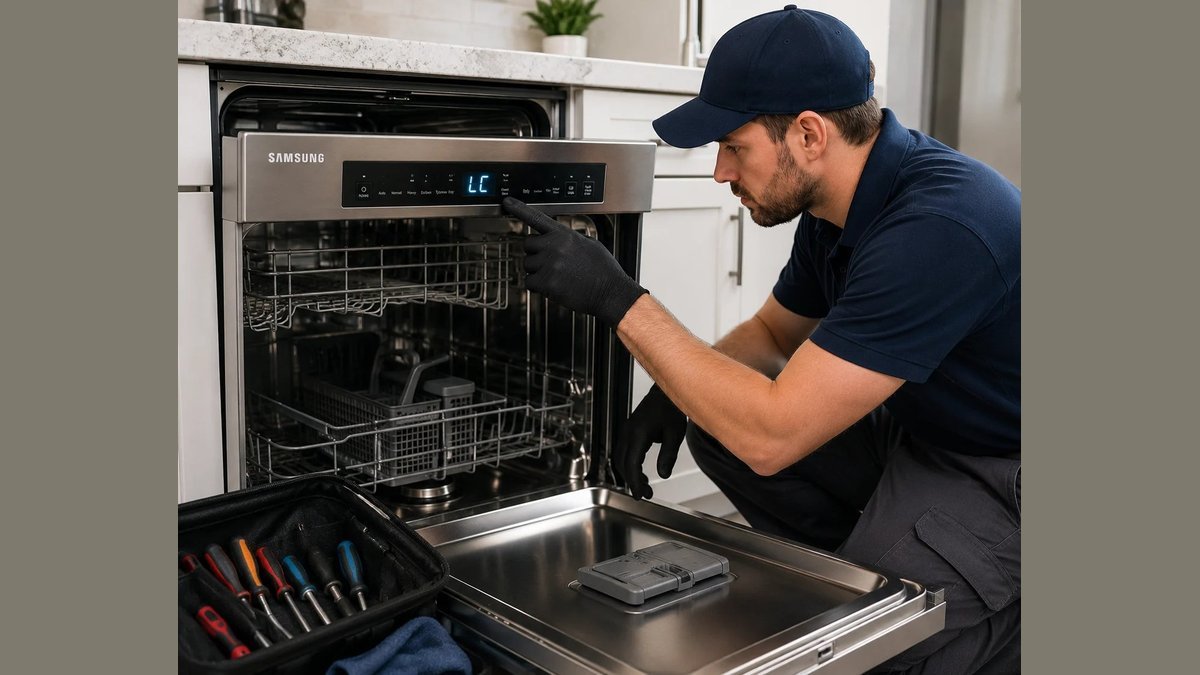
If your Samsung microwave keeps beeping, the most common cause is a control panel that never finished its cycle — either the door isn’t fully latched, or a key is stuck. Press Stop/Cancel once, then open and close the door firmly until you hear the click.
If the beeping stops, the latch was the problem. If it starts again within a minute, the panel is sending signals on its own, and the next section shows you how to narrow it down.
One detail decides how much this matters: whether the beeping is continuous or in bursts of three or four. Continuous means a stuck key, and it usually keeps going with the door open. Bursts that stop on their own point to the latch or the control board.
Test it with the door open. If the beeping continues, stop pressing buttons — a stuck key can wear out the membrane, and a replacement panel often costs more than the microwave did. Unplug it and leave it a few minutes before you try again.
Common causes of Samsung microwave beeping
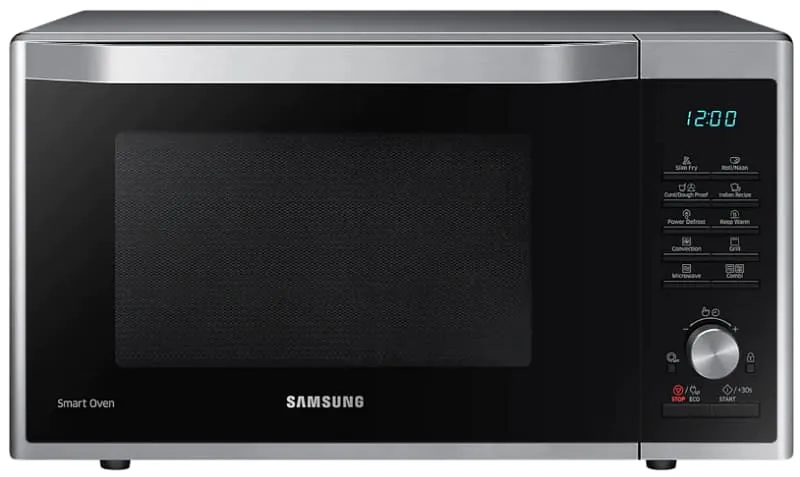
Three things cause almost all of it: the door latch, the control panel, and the beeper itself. The door latch is the most common. A Samsung microwave won’t run unless the interlock switches confirm the door is shut. If the latch is loose or the door sags, the switch flickers, and the board beeps each time it loses and regains the signal.
The control panel is second. Membrane keypads wear out. A stuck key — often Start or a number pad — sends the same command over and over, so the microwave beeps like someone’s pressing it. Moisture behind the panel does the same thing.
The beeper itself is the third cause, and it’s rare. It’s a small part on the control board, and when it fails it can chirp on its own.
One more thing worth knowing: some beeping isn’t a fault at all. If you left the door open, or the cycle finished and nobody opened the door, the microwave reminds you on purpose. That’s a feature, not a repair.
If you’re not sure which of these you have, the symptom table below will point you at the likely one.
Match the beeping pattern to the cause
The pattern tells you a lot. Use this table to match what you hear to what’s probably wrong.
| What you hear | Likely cause | Safe check |
|---|---|---|
| Beeps every few seconds, door shut | Door latch or interlock switch | Press the door in firmly and listen for the click |
| One long beep, nothing on display | Power or control board fault | Unplug for 60 seconds, plug back in |
| Beeps like keys being pressed | Stuck keypad or moisture | Wipe the panel dry, press Stop/Cancel |
| Beeps after the cycle ends | Reminder signal | Open the door, or turn the signal off |
| Beeps with an error code on screen | Control board fault | Note the code, check your manual |
If the code is on screen, write it down before you do anything. Samsung’s own support pages list what each code means for your model, and that’s the fastest way to know whether it’s a door issue or a board issue.
Check the door latch and interlock first
This is the fix for most people, and it costs nothing. Push the door closed until you hear a solid click. Then press Stop/Cancel and try a short run — 30 seconds on high power is enough. If it runs without beeping, the latch was the cause.
Look at the door while it’s shut. The gap around the edge should be even. If one corner sits proud, the hinges have dropped or the latch is worn, and the interlock switch can’t hold a steady signal.
Don’t bend the latch or the door frame to force a tighter fit. The interlock switches are a safety device — they stop the microwave running with the door open — and bending metal around them can defeat that. If the door is visibly misaligned, that’s a job for a Samsung service center or a qualified appliance technician, not a home fix.
If the door looks fine but the beeping continues, move to the next check.
Reset the control panel and dry the keypad
A stuck key or damp membrane causes beeps that look like a fault but aren’t. This fix is for anyone whose microwave beeps in short bursts, or beeps when nobody’s touched it.
Unplug the microwave from the wall. Wait a full 60 seconds to let the control board reset. Plug it back in. On most Samsung models the display will flash or show a clock reset, which tells you the board restarted.
Then dry the panel. A damp cloth over the keys, then a dry one. Don’t spray cleaner directly on the panel — liquid runs into the gaps and makes the problem worse.
Now test each key. Press them one at a time and watch the display. If one key doesn’t respond, or responds twice, that key is stuck and the membrane panel needs replacing.
If the beeping stops after the reset and doesn’t come back, you’re done. If it returns within a day, the keypad is the problem, and the panel is a replaceable part.
When it’s worth replacing the control board
This is the fix for the harder cases: beeping that survives a reset, a dried panel, and a door that latches properly. At that point the fault is on the control board, and the board is the part that decides when to beep.
Replacing a control board isn’t a DIY job for most people. It means unplugging connectors inside the cabinet, and the high-voltage capacitor nearby can hold a dangerous charge even with the microwave unplugged. That’s technician work. Call Samsung service or a qualified appliance repairer and get a quote before you agree to anything.
Here’s the trade-off. A board replacement on a mid-range microwave often costs a large share of what a new one costs. If your microwave is well into its service life, or the repair quote is close to half the price of a new unit, replacing the microwave usually makes more sense. If it’s a built-in model or a high-end one, repair is often worth it.
This fix isn’t for you if the microwave is still under warranty — opening it yourself can void that, so go straight to Samsung.
Beeping advice that makes it worse
Some of the advice online will cost you money or safety. Skip these.
- Bending the door latch to tighten it. The latch works with interlock switches. Bend it and the microwave may run with the door open — a real radiation risk. Replace the latch, don’t bend it.
- Hitting the panel to stop the beeping. It can crack the membrane and turn a cheap fix into an expensive one.
- Taping the door shut to silence it. The interlock won’t engage, and you’ve defeated a safety device.
- Assuming every beep means a fault. The end-of-cycle reminder and the door-left-open signal are normal. Check your manual before you book a repair.
Stop the beeping coming back
Most repeat beeping comes from the same few habits. Fix the habit and the fault doesn’t return.
| If you’re doing this | Do this instead | Why |
|---|---|---|
| Slamming the door shut | Close it until it clicks, gently | Slamming wears the latch and hinges |
| Wiping the panel with a wet cloth | Use a damp cloth, then dry it | Moisture gets behind the keys and shorts them |
| Leaving the door open after use | Close it fully | The open-door reminder keeps beeping |
| Ignoring a loose door for months | Get the latch checked early | A worn latch strains the interlock switches |
| Unplugging it every time it beeps | Reset once, then diagnose | Repeated resets hide the real cause |
Frequently asked questions
Why does my Samsung microwave keep beeping every few seconds?
A door that isn’t fully latched is the usual reason. The interlock switch loses contact, the board beeps, and it repeats. Press the door shut until you hear a click, then press Stop/Cancel. If the beeping continues with the door firmly shut, the latch or the control panel is the cause, and you’ll need a technician to check it.
Can I turn off the beeping on my Samsung microwave?
Yes, on most models. Press and hold the Stop/Cancel or Sound button until the display shows “OFF” or you hear a single tone. The exact button varies by model, so check your model’s manual. This silences the reminder beeps only — it won’t stop beeping caused by a door or board fault.
Is it safe to use a microwave that keeps beeping?
It’s safe if the door latches properly and the microwave heats normally. It’s not safe if the door is loose, won’t stay shut, or the microwave runs with the door open. In that case, stop using it and unplug it. A microwave that runs with the door open can leak radiation, so get it checked before you use it again.
How long should I wait after unplugging before plugging it back in?
Wait about a minute to let the control board reset. Unplug it, count to 60, then plug it back in and reset the clock. If the beeping returns right after the reset, the board or keypad has a fault, and a reset won’t fix it.
What does it mean if my Samsung microwave beeps and shows an error code?
An error code means the control board has detected a specific fault — often a sensor or door switch problem. Write the code down, then check your model’s manual or Samsung’s support site for what it means. Codes differ between models, so the same code can point to different parts. Don’t guess at the repair.
Do I need a technician, or can I fix the beeping myself?
You can fix the simple causes yourself: a door that isn’t latched, a damp keypad, or a board that needs a reset. Anything inside the cabinet — the interlock switches, the control board, the beeper — needs a qualified technician. The high-voltage capacitor can hold a lethal charge even when the microwave is unplugged.
Conclusion
Beeping is usually the microwave telling you something simple: the door, the panel, or a reset. Work through those three before you spend money. If the beeping survives all of them, get a quote — and weigh that quote against the price of a new unit before you decide.