
Most of the time, a UPS that won’t run in AC mode is sitting in a self-protection state — overload, over-temperature, or a battery that’s too weak to hold the load. That’s why so many units beep, flash, or drop to battery the moment you switch them on. The fastest check: unplug everything from the UPS, then press the power button. If it starts with no load, the problem is on the load side, not the UPS.
Why it stops working in AC mode
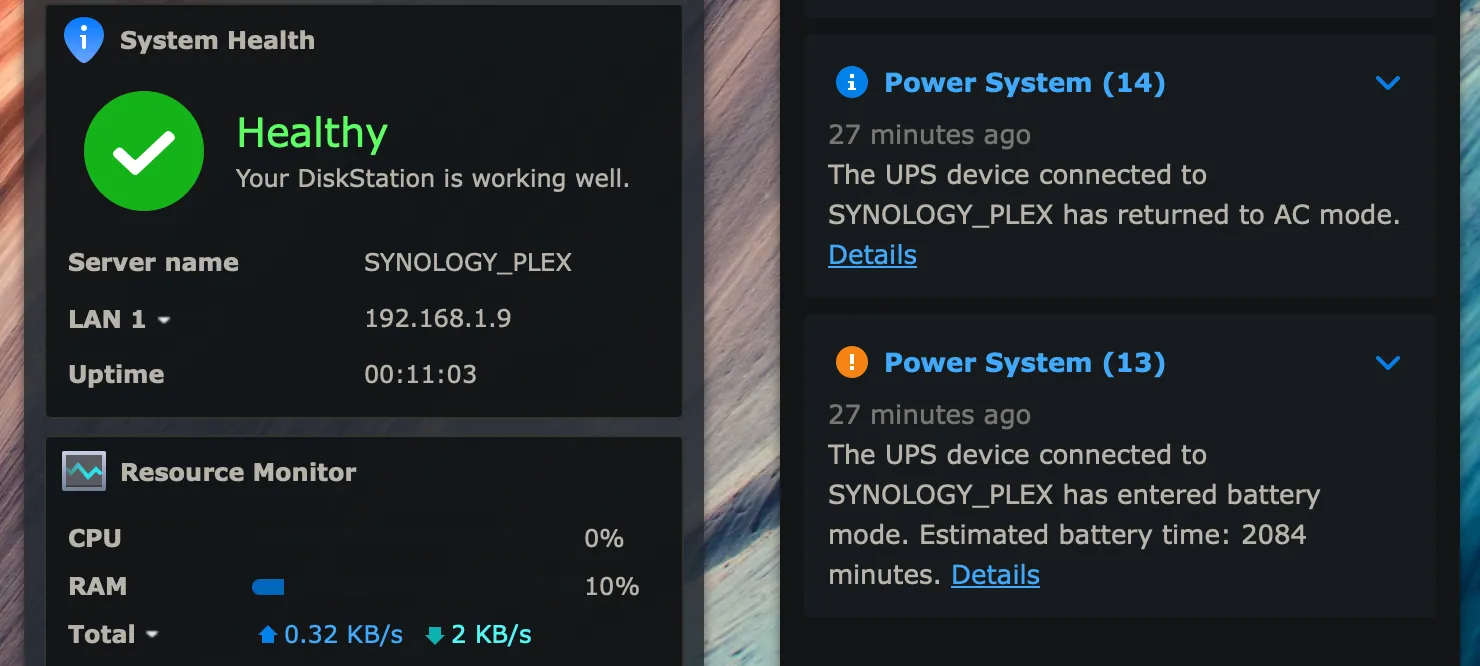
Overload on the outlets is the one you’ll hit most. A UPS rated 1500 VA isn’t rated for 1500 watts; the watt rating is lower than the VA rating, and a laser printer or a space heater on the same unit will push it over on its own. Unplug everything, restart the UPS, then add devices back one at a time.
Battery failure is next, and it’s the cause people misread most often. A unit that runs for seconds on battery only, or beeps and dies the moment the power drops, has a worn battery — not a broken UPS. Batteries are a wear item and typically last only so long before they need replacing. Replace them rather than the whole unit.
Over-temperature shutdown looks like a dead UPS but is not. If the case is hot to the touch or the fan is blocked by dust, clear the vents and let it cool before you test anything.
If the display is dark, there’s no beep and no light at all, stop. That points to an internal fault or a blown fuse, and no amount of unplugging will bring it back.
Too much plugged into the outlets
An overload is the single most common reason a UPS refuses to stay on. The unit measures how much power the connected devices pull. If that draw goes past its rating, it cuts output to protect itself — and it won’t switch to AC mode until the load drops.
The symptom is specific: the UPS starts, beeps, then shuts down within seconds, every time. That’s different from a battery problem, where the unit stays on but drains fast.
To confirm it, unplug every device from the UPS. Leave only the UPS plugged into the wall. Press the power button. If it stays on with nothing connected, you’ve found the cause.
The fix is to spread the load. Move printers, speakers, desk lamps and anything with a motor to a normal surge strip. Keep only the computer, monitor and router on the UPS. Check the watt rating printed on the back or bottom of the unit — that number, not the outlet count, is your real limit. A unit rated for 600 VA may handle less than 600 watts, because VA and watts aren’t the same figure.
Expect 10 to 15 minutes for the unplug test, and another 15 to move cables. If the UPS still won’t hold with nothing connected, the problem isn’t the load — move to the next cause.
The battery can’t hold the load anymore
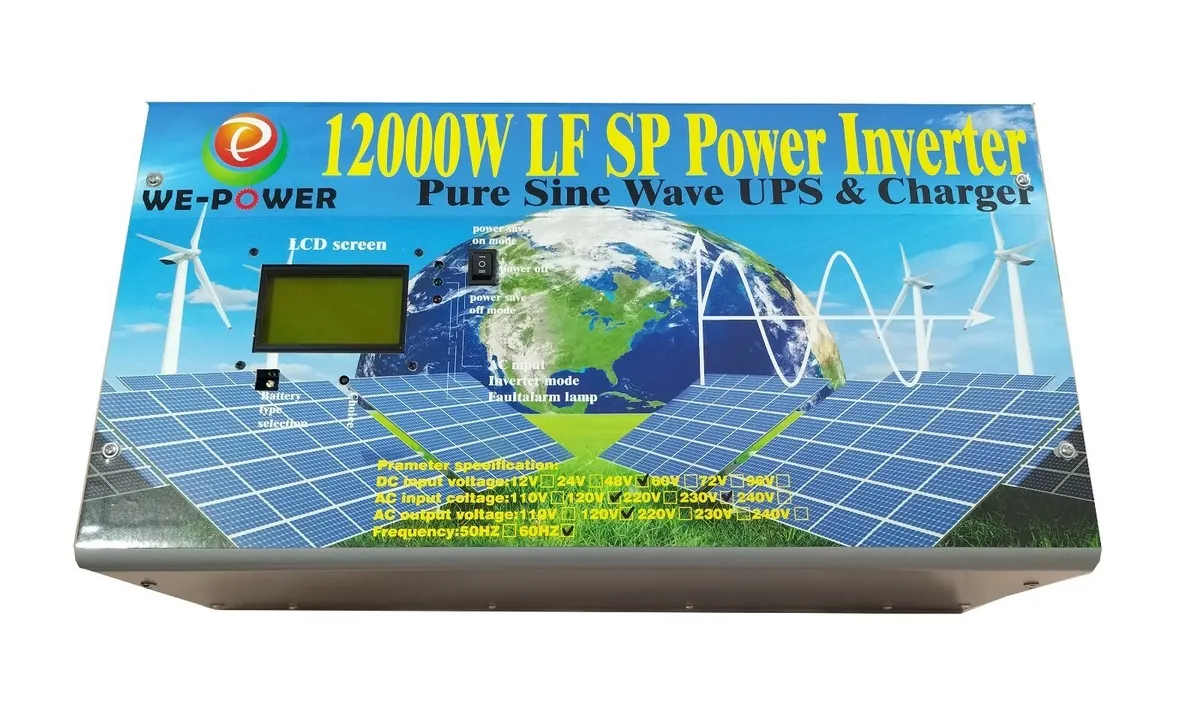
A worn battery is the second most common cause, and it looks almost identical to an overload from the outside. The difference is the timing: an overloaded UPS dies in seconds even with a light load, while a weak battery lets the unit run for a short while, then collapses.
Lead-acid batteries in most home UPS units age with heat and charge cycles. Many manufacturers suggest replacing them periodically, but that range moves with room temperature and how often the unit has run on battery. A UPS kept in a hot room cycles through batteries faster.
The confirming test is simple. Plug in one small device — a lamp works well. Pull the UPS plug from the wall. If the lamp goes dark in under a minute, the battery is done. A healthy unit should hold a small load for several minutes at least.
Replacement is a user-serviceable job on most home models. You’ll need the exact battery model the maker lists for your unit — that number is on the old battery itself and in the manual. If the battery shows swelling, cracks, or white powder on the terminals, stop and replace the whole unit instead.
Heat buildup and blocked airflow
Over-temperature shutdown is the third cause, and it’s easy to miss because the UPS may work fine in the morning and fail in the afternoon. The unit has a thermal sensor. When internal temperature climbs past its limit, it cuts AC output rather than risk damage.
The clue is timing, not load. If the UPS only fails after it’s been running a while, or only on warm days, heat is the likely cause. A unit that fails instantly on startup is usually overloaded instead.
Check three things. First, is the UPS sitting on carpet or against a wall with no gap? It needs open space on all sides. Second, is the fan vent blocked by dust or a stack of papers? Third, is anything warm sitting on top of it, like a router or a monitor stand?
The fix is airflow. Move the unit to a hard surface with at least a few inches of clearance around the vents. Vacuum the vents gently — don’t push dust deeper in. Keep it out of direct sun and away from heating vents.
Give it 30 minutes to cool, then retry. If it still shuts down with a light load and cool casing, the sensor or fan may have failed, and that’s a repair-shop job.
Less common causes worth checking
A few rarer problems can produce the same symptom. Work through these only after the big three are ruled out.
- Wrong mode or a stuck button. Some units have an ECO or high-efficiency mode that changes how they behave on AC. Press and hold the power button for a few seconds, then check the display against the manual.
- Input voltage out of range. If your wall voltage sags or spikes, the UPS may refuse to pass it through. Plug a lamp into the same outlet — if the lamp flickers, the wiring is the problem, not the UPS.
- Blown internal fuse. No lights, no beeps, no display at all points here. Fuses inside a UPS aren’t user-replaceable on most models.
- Failed inverter or control board. The unit powers on but never transfers to AC. This needs a service center.
- Outlet or breaker fault. Test the wall socket with another device before blaming the UPS.
Anything past the fuse and board level means opening the housing. That’s where you stop. The stored energy inside a UPS can shock you even when it’s unplugged, and opening the case voids the warranty. Take it to the manufacturer’s service partner or a qualified electronics technician.
Repair, replace, or call someone
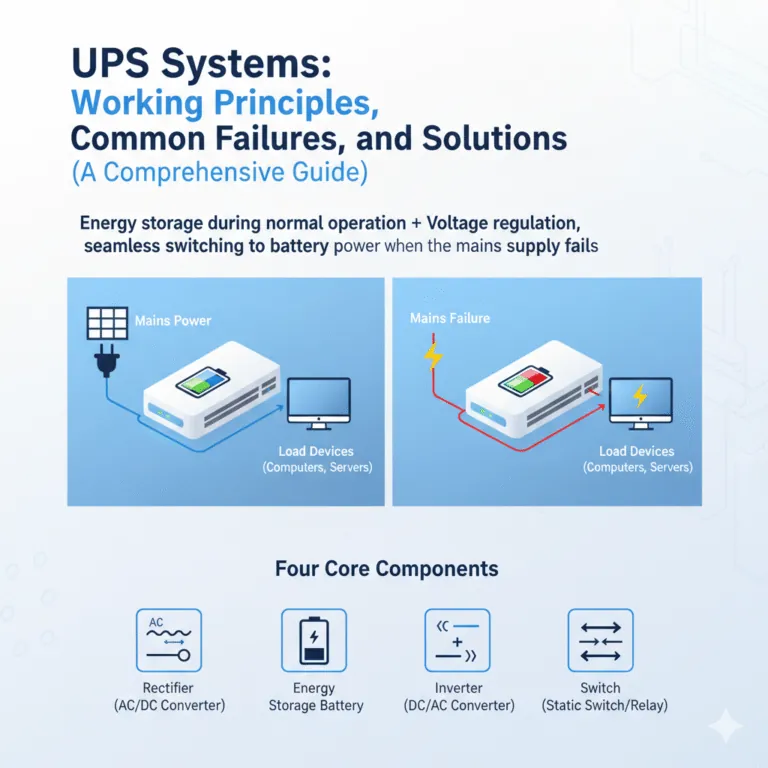
What a fix demands depends on which cause you found. Clearing an overload costs you nothing but 15 minutes of unplugging and re-planning where devices sit. It’s the cheapest outcome and the most common one.
A battery replacement is a small parts job. It costs roughly the same as a mid-range surge protector — a fraction of what a new UPS runs. The price moves with the battery size and the brand, so get the exact model number from the old battery and check the maker’s official page or a local battery shop for a quote.
Cooling fixes are free. Moving the unit and clearing dust takes 10 minutes.
A repair-shop visit for an internal fault is where the math changes. Once labor and parts are added, the bill often climbs close to the price of a new unit — especially on budget models. Get a written quote before you agree, and compare it against the current price of the same model.
If the UPS is still under warranty, contact the manufacturer first. Opening it yourself usually ends that coverage.
The quote is the fork in the road. If the written estimate comes in under half the price of a comparable new unit, repair is usually worth it. Above that, put the money toward a replacement and keep the old unit for its battery.
Two mistakes cost people money here. The first is paying a diagnostic fee without asking whether it comes off the repair bill if you go ahead. The second is buying a battery for a unit that has already had one internal repair — the second fault tends to follow the first.
Age matters more than the symptom. A unit that has run past its expected service life is a poor repair candidate no matter how small the fault looks. A newer unit with one clear fault is the better bet.
If the unit is a budget model and the fault is internal, replacement is almost always the answer.
Frequently asked questions
Why does my UPS beep and shut down in AC mode?
Overload is the usual reason. The unit cuts output when connected devices pull more power than its rating allows. Unplug everything, restart the UPS with no load, then add devices back one at a time. If it holds with nothing connected, the load was the problem.
How long should a UPS battery last before it needs replacing?
Most home UPS batteries last only so long, but that range assumes a normal room temperature and light use. Heat and frequent battery runs shorten it. When a small lamp dies in under a minute on battery, the battery is finished.
Can I use my UPS in AC mode with no battery installed?
No. Most UPS units won’t pass power through without a working battery, because the battery powers the control circuit. Some models do allow bypass, but you’d need to check your specific manual. Running without a battery also removes surge protection on many units.
Is it safe to keep using a UPS that shuts off in AC mode?
No. A unit that cuts out randomly can drop your computer mid-write and corrupt files. If it shuts down under load, stop using it for anything important until you find the cause. A cheap surge strip is a safer temporary option.
What happens if I plug a printer or space heater into a UPS?
The UPS will likely overload and shut down. Heaters, printers, and anything with a motor draw far more power than a computer. Keep those on a normal wall outlet or surge strip, and reserve the UPS for electronics you need to keep alive.
Does it matter which outlet on the UPS I use?
Yes, on some models. Many UPS units have two groups: battery-backed outlets and surge-only outlets. Only the battery-backed ones keep running in a power cut. Check the labels on the back — if your device is in a surge-only slot, it loses power the moment the wall does.
How do I know if my UPS is overloaded or the battery is bad?
Watch the timing. If it dies within seconds of starting, it’s overload. If it runs for a minute or more and then fades, the battery is weak. The lamp test confirms it: a healthy battery holds a small lamp for several minutes.
When should I replace the UPS instead of fixing it?
Replace it when the repair quote lands close to the price of a new unit, when the case is cracked or swollen, or when the unit is well past its warranty and has already had one battery swap. For most home users, a new unit is the simpler call at that point.
Conclusion
If the unit still won’t start with nothing plugged in, it’s time to test the battery or call support. You’ll save yourself hours of guessing by checking the battery voltage first. A replacement pack is cheap, and it’s usually the fix.