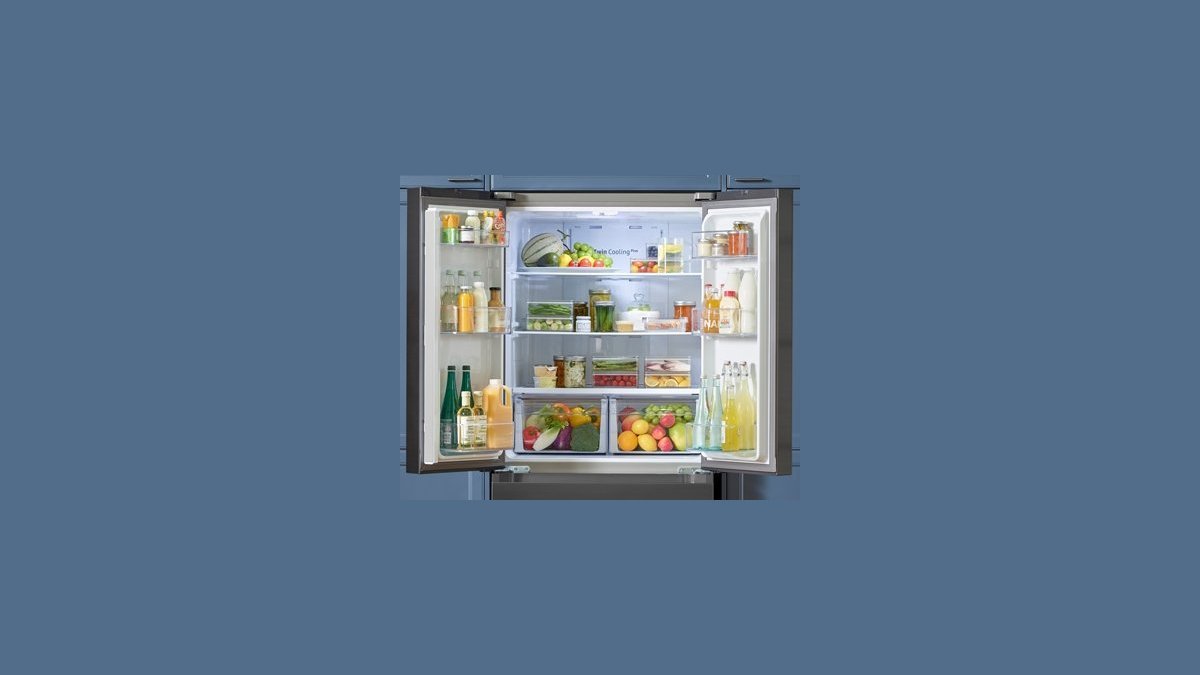
A brand new Samsung fridge not cooling is usually still in demo mode, or it simply hasn’t had time to pull down to temperature yet. Press and hold Power Cool and Fridge together for about 3 seconds until the display beeps or flashes — that exits demo mode.
Then check the display: if it shows OF or OF OF, the cooling is switched off. Set the fridge to 37°F and the freezer to 0°F, and wait a full day before you worry.
If the display reads normal temperatures and the fridge is still warm after 24 hours, demo mode was never the problem. Open the doors and listen. A fan running with no cold anywhere points to a sealed-system fault, which no button combination will fix.
One mistake costs people a day: pressing the two buttons for a split second and assuming it worked. The confirmation beep is the signal, not the press. If nothing beeps, hold longer.
If the fridge was delivered upright and never laid down, you can skip the oil-drainage wait, but still allow up to 24 hours for the first pull-down.
Why a new Samsung fridge feels warm
A new fridge has to move heat out of the cabinet, and that takes time. The compressor pushes refrigerant through the sealed system, and the walls only start to feel cold once the whole box has pulled down. Samsung’s own guidance says to let the fridge run before you judge the temperature.
The most common cause on a brand new unit is demo mode. Retailers switch it on so the lights and display work in the store without the compressor running. It stays on after delivery, and the fridge looks alive but never gets cold.
The second cause is shipping position. If the fridge traveled on its side or back, oil from the compressor can sit in the wrong place. Standing it upright before plugging in is the standard precaution after shipping on its side or back. Running it too early can stress the compressor.
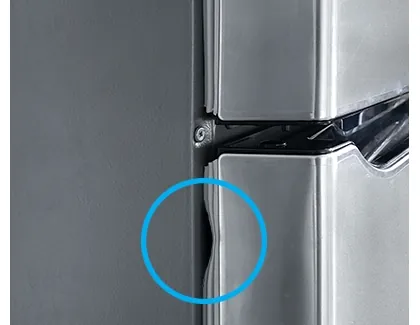
The third cause is airflow and door seals. A fridge packed tight against the back wall, or pushed too close to the wall behind it, can’t dump heat. Leave about 2 inches of space at the back and sides. Check the door gasket with a dollar bill — if it slides out easily, the seal isn’t gripping.
Turn off demo mode and set the temperatures
This fix is for you if the display lights up, the interior light works, but nothing gets cold. It’s the first thing to try, and it takes 30 seconds.
Press and hold Power Cool and Fridge at the same time for about 3 seconds. On most Samsung models the display beeps or flashes, and demo mode turns off. On some models you hold Freezer and Fridge instead. If neither works, check your model’s manual — Samsung lists the exact button combo for each family of fridges.
Next, set the temperatures. Fridge to 37°F (3°C), freezer to 0°F (-18°C). These are the standard food-safety settings. Don’t set the fridge lower to “speed it up” — it won’t cool faster, and you’ll just freeze your vegetables.
You’ll know it worked when the fridge walls feel cold to the touch and the compressor hums instead of sitting silent. Give it 12 to 24 hours. If the display still shows OF after 24 hours, the problem isn’t a setting — move to fix 2.
If you’re not comfortable pressing button combinations or the display won’t respond at all, call Samsung support or the retailer. You paid for a working fridge, and a brand new unit that won’t leave demo mode is a warranty issue, not a DIY one.
Give it 24 hours on a level, ventilated spot
This fix is for the fridge that’s already out of demo mode but still feels warm. The lever here is time and placement, not settings.
A new refrigerator needs time to reach its set temperature, and the first pull-down can take up to 24 hours in a warm room. If your kitchen is above 90°F, add more time — the compressor works harder and the pull-down slows.
Do these four things:
- Let it stand upright for at least 4 hours before plugging in if it was delivered on its side. Overnight is safer.
- Leave 2 inches of clearance behind and beside the fridge. Coils need to breathe.
- Don’t fill it yet. An empty fridge cools faster. Add food in stages over the first day.
- Keep the doors closed. Every open door dumps cold air. Check the temperature once in the morning, once at night.
You’ll know it worked when a fridge thermometer placed in the middle shelf reads 37°F or below. Don’t trust the display alone — a cheap thermometer tells you the truth. If the fridge is still warm after 24 hours with the doors shut, that’s not a settling issue. Something in the sealed system or the sensors is wrong, and it’s time for fix 3.
When to call Samsung and claim the warranty
This is the fix for the fridge that’s out of demo mode, has had its 24 hours, sits level with clearance, and still won’t cool. At this point you’re past the do-it-yourself stage.
A brand new Samsung fridge carries a limited warranty — check your warranty card or Samsung’s support page for the exact terms. Check your warranty card or Samsung’s support page for your exact model, because the terms change by model and by country.
Call Samsung support or the retailer you bought it from. Have your model number, serial number, and purchase date ready. The serial plate is usually inside the fridge on the left wall or behind the crisper drawer.
What Samsung will likely do:
- Run you through a phone diagnostic
- Send a technician to check the compressor, sensors, and sealed system
- Repair or replace the unit if it’s a manufacturing fault
Don’t open the back panel, touch the compressor, or test any wiring yourself. A fridge runs on mains power, and the capacitors can hold a dangerous charge even when unplugged. That’s technician work, full stop.
A brand new fridge that won’t cool is almost never your fault. If it’s a sealed-system fault, the repair is covered. Don’t pay for a private technician before you’ve used the warranty — you’ll lose the claim.
What not to do when a new fridge won’t cool
- Turn the temperature down to the lowest setting. This doesn’t cool faster. It just makes the compressor run longer, and your milk freezes.
- Unplug it and plug it back in repeatedly. Power-cycling a fridge every few minutes can damage the compressor. If you’ve unplugged it, wait 5 to 10 minutes before plugging it back in.
- Pack it full of food on day one. A full fridge blocks airflow and slows the pull-down. Wait until it hits 37°F.
- Assume it’s broken and return it immediately. Most “not cooling” new fridges are in demo mode or just need time. Returning a working fridge costs you a delivery fee and a new wait.
- Ignore the OF code on the display. That’s not a normal reading. It means cooling is switched off, and no amount of waiting will fix it.
Keeping it cold from here

Once your fridge is running right, small habits keep it that way. The table below sets what people often do against what actually works.
| If you’re doing this | Do this instead | Why |
|---|---|---|
| Stuffing the fridge the day it arrives | Add food over 2 days | Air needs to move between shelves |
| Setting the fridge to 34°F to cool faster | Keep it at 37°F | Lower settings freeze food, not speed things up |
| Pushing the fridge flat against the wall | Leave 2 inches at the back | Coils dump heat into the room |
| Trusting the door display only | Use a fridge thermometer | The display shows the set point, not the real temp |
| Opening the door to “check” every hour | Check twice a day | Every open door loses cold air |
One thing that varies for every kitchen: how fast your fridge pulls down depends on room temperature, how full it is, and how often the door opens. You can read your own number off a fridge thermometer on the middle shelf — if it hits 37°F within 24 hours, you’re fine.
Frequently asked questions
How long does a new Samsung fridge take to get cold?
Give it up to 24 hours. A new refrigerator needs time to reach its set temperature, and the first pull-down is the slowest. If your kitchen is above 90°F, allow longer. If it’s still warm after 24 hours with the doors shut, it’s not a settling issue — check for demo mode or call Samsung.
Why is my brand new Samsung fridge not cooling but the light is on?
Demo mode is the most likely cause. Retailers switch it on so the display and lights work without the compressor running, and it stays on after delivery. Press and hold Power Cool and Fridge together for about 3 seconds to turn it off. If that doesn’t work, check your model’s manual for the right button combo.
What does OF mean on my Samsung fridge display?
OF means the cooling is switched off. It’s not a fault code — it’s a setting. Press and hold Power Cool and Fridge for about 3 seconds, or check your manual for the button combo. Once cooling is back on, set the fridge to 37°F and the freezer to 0°F, then wait 24 hours.
Is it safe to use a new fridge that isn’t cold yet?
No. Food above 40°F for more than 2 hours can grow bacteria that cause illness. The USDA Food Safety and Inspection Service sets 40°F as the safe limit for cold food storage. Keep your food in another fridge or a cooler with ice until your new fridge holds 37°F.
Can I speed up a new fridge cooling down?
Not really. Turning the temperature lower doesn’t help — it just makes the compressor run longer. What helps is leaving space at the back, keeping the doors shut, and not filling it with food on day one. An empty fridge cools faster than a full one, so add food in stages.
What if my Samsung fridge still won’t cool after 24 hours?
Call Samsung support or the retailer. A brand new fridge is covered by a limited warranty — check your warranty card or Samsung’s support page for the exact terms. Have your model and serial number ready. Don’t open the back panel or touch the compressor — that’s technician work.
Does laying a fridge down during delivery break it?
It can cause problems if you plug it in too soon. Oil from the compressor can sit in the wrong place after the fridge travels on its side or back. Stand it upright for at least 4 hours before plugging in — overnight is safer. If you ran it right away and it’s not cooling, give it 24 hours before calling for service.
Conclusion
If the display still won’t respond after a few hours, don’t force anything or unplug it repeatedly. Call Samsung support or the store you bought it from and ask for a replacement or a technician visit. You’ve got a warranty, so use it.